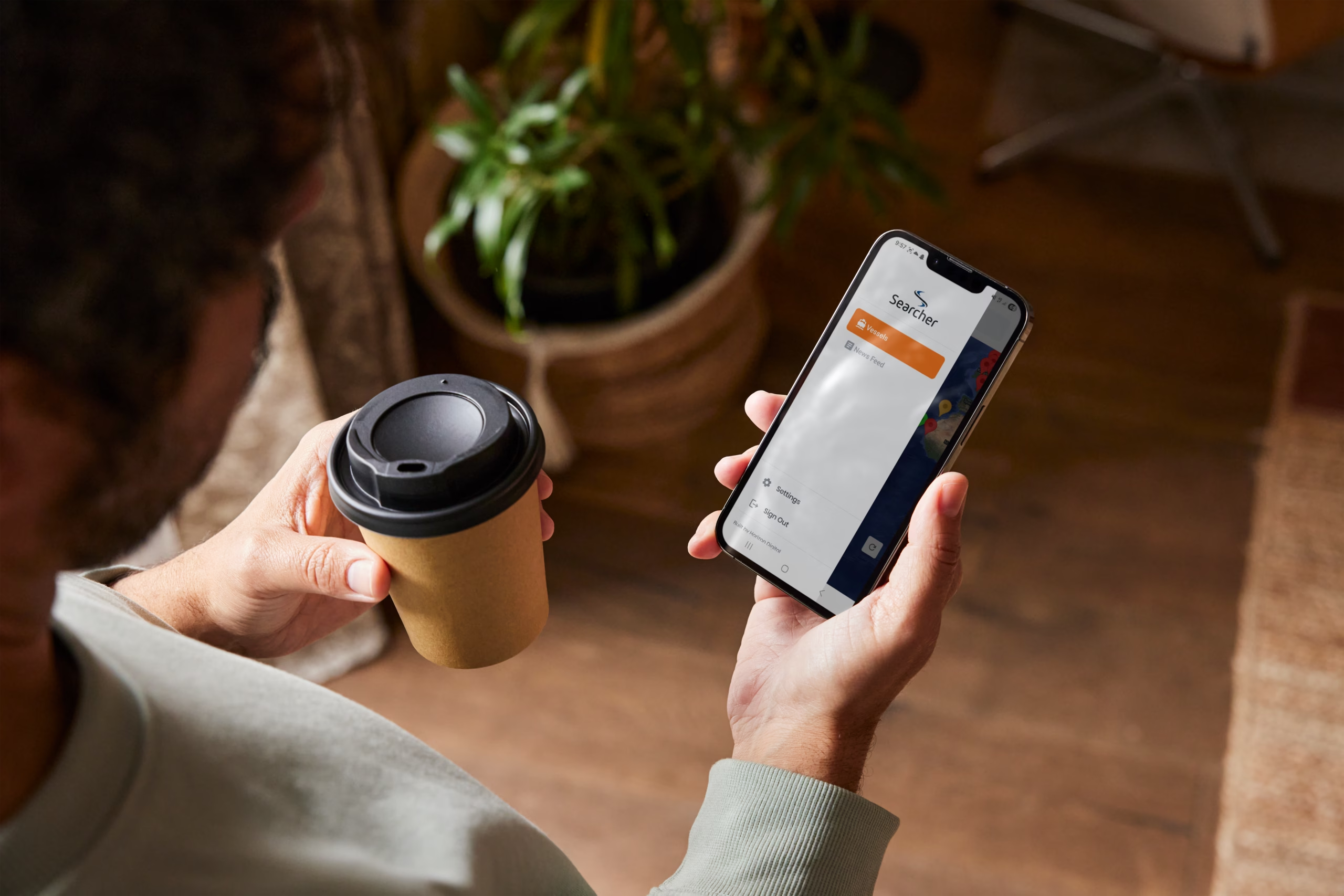
Searcher Live Support
Welcome to the Searcher Live Support Centre
Searcher Live delivers real-time seismic intelligence, vessel tracking, and global exploration activity directly to exploration professionals worldwide. If you need help using the app, managing your account, or reporting an issue, you’ll find the information you need below..
Getting Started
What is Searcher Live?
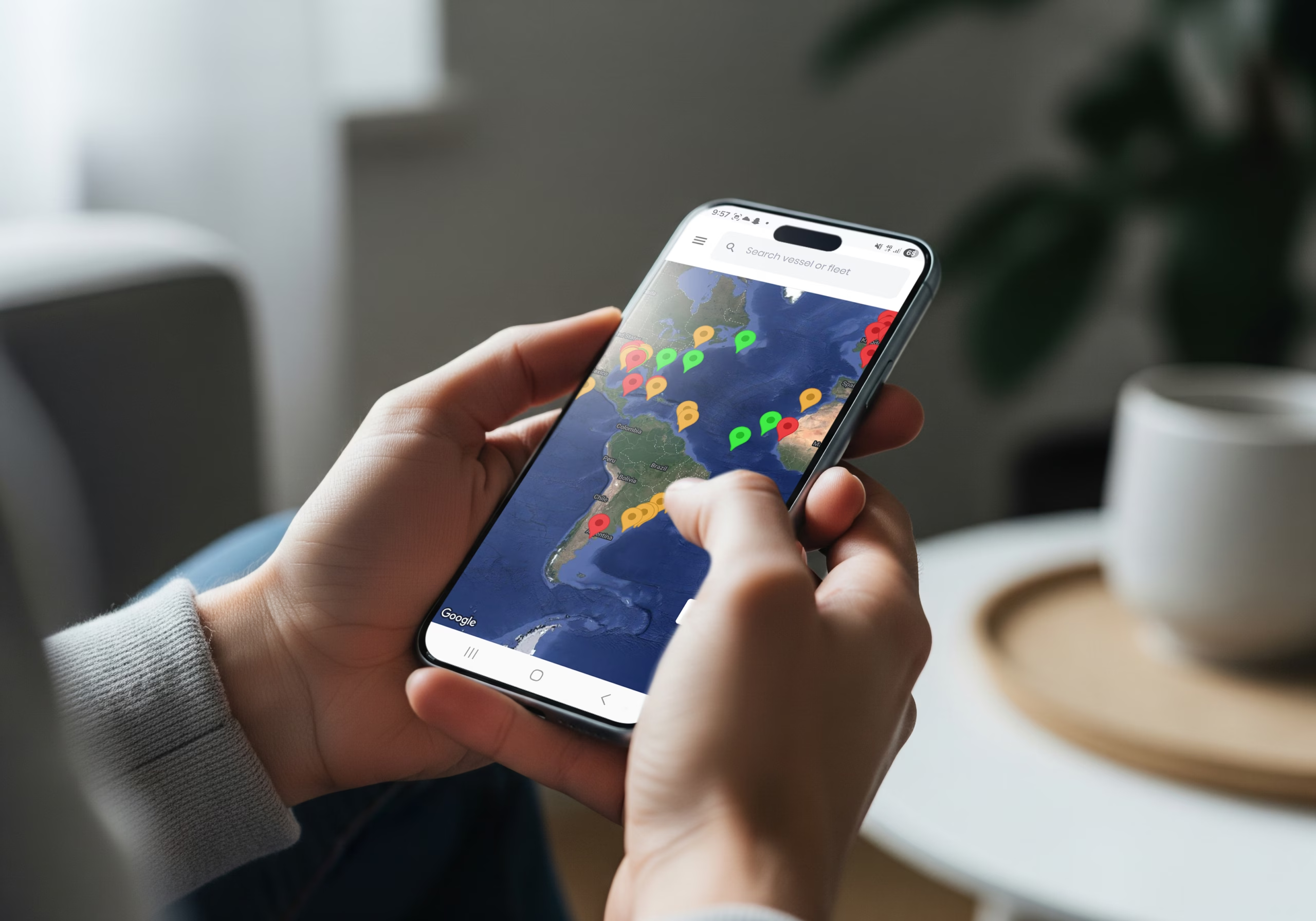
Searcher Live is a mobile platform designed for upstream energy professionals, providing real-time visibility of:
Active seismic surveys
Vessel movements
Survey operators and commercial context
Global exploration activity
Industry intelligence and updates
The app is available on both iOS and Android devices.
How do i download the app?
Searcher Live can be downloaded from the Apple App Store and Google Play Store.
For more information, click here.
FAQs
Do i need an account to use Searcher Live?
Yes. A registration is required to access the app, but this is free and you can create an account after downloading the app.
What data does Searcher Live provide?
Searcher Live provides access to:
- Real-time seismic survey activity
- Vessel tracking information
- Survey names and operators
- Exploration activity insights
- Industry news and updates
Data availability may vary by region and source.
How often is the information updated?
Searcher Live is designed to provide near real-time updates wherever possible. However, some third-party data sources may experience delays or temporary interruptions.
Why can't i see certain vessels?
Visibility may depend on:
- Data source availability
- Vessel AIS transmission status
- Regional coverage limitations
- Temporary technical outages
If you believe information is missing or incorrect, please contact support.
Which devices are supported?
Searcher Live supports most modern iOS and Android smartphones and tablets.
For the best experience, we recommend keeping your device and operating system updated to the latest version.
Troubleshooting
I forgot my password.
Use the “Forgot Password” option on the login screen to reset your password.
If you continue to experience issues, please contact support.
The app is not loading correctly.
Try the following steps:
- Check your internet connection.
- Close and reopen the app.
- Restart your device.
- Ensure you are using the latest version of the app.
- Reinstall the app if the issue persists.
The app is crashing or freezing.
Please ensure:
- Your device software is up to date
- You are using the latest app version
- Your device has sufficient storage space available
If problems continue, contact support with details of your device model and operating system version.
Feedback
We are continuously improving Searcher Live and welcome user feedback.
If you have suggestions for new features, improvements, or additional functionality, please get in touch with the Searcher team.
Contact Support
If you need assistance, our team is here to help.
Please include as much detail as possible when reporting an issue, including:
- Device type
- Operating system version
- App version
- Description of the issue
- Screenshots (if available)